
Category: Anatomy
-
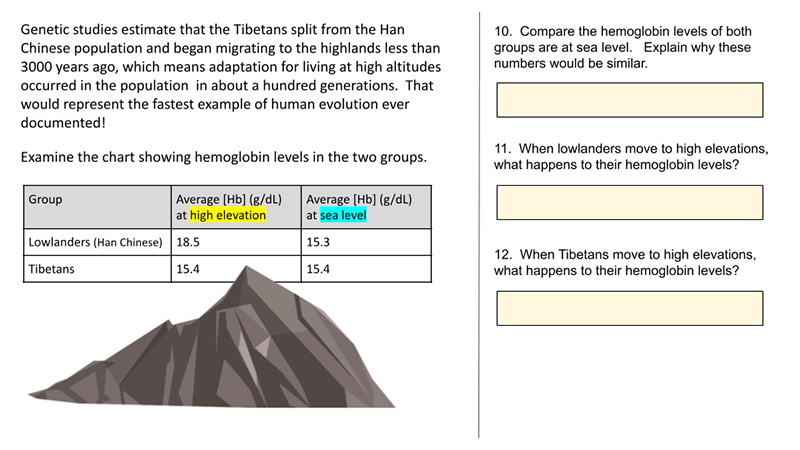
Case Study – Tibetans and Altitude (Remote)
This case study is a remote alternative to “How Do Tibetans Survive High Altitudes.” The remove version is shorter and does not require as much guidance by the instructor. I created this version with Google slides, so students can type their answers directly onto the slide. I made remote versions of several activities because I…
-
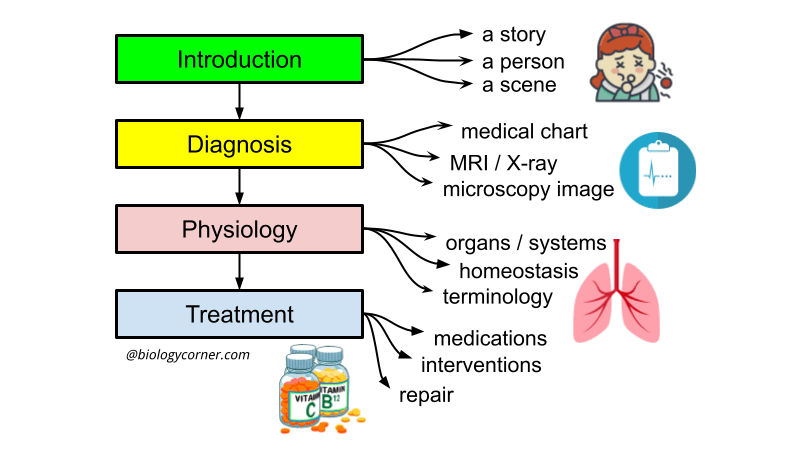
Student Designed Case Studies for Anatomy
Anatomy project where students create their own case study focusing on a disease of their choice. Template included with list of possible topics.
-
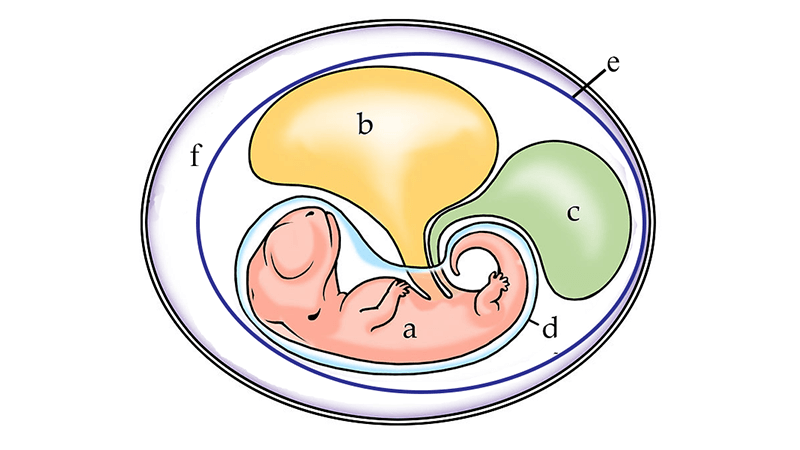
Animal Reproduction and the Egg – Guided Learning
Guided learning activity to compare the reproductive strategies of groups of vertebrates, focusing on the amniote egg and placental mammals.
-
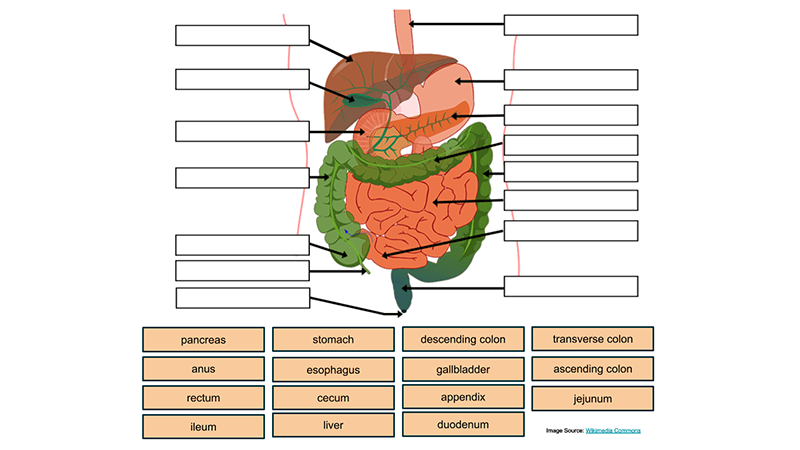
Digestive System Drag and Drop with Quiz
Use Google slides to label the digestive system. This set was made for anatomy students to practice labeling the alimentary canal and biliary system.
-

Urinary System – Label the Kidney and Nephron
I created this version of a labeling activity for students who are learning from home during the 2020 pandemic. You will not need to hand out papers with this version! Instead, students use their Chromebook to open Google Slides and drag the labels to the correct position. I usually assign this activity after students have…
-

Frog Dissection – Virtual for Remote Learners
Students usually end the comparative anatomy unit with a dissection of a frog specimen. Though some schools have decided to opt out of this project, it remains one of the most remembered activities of the school year. I can understand why this project may seem like a relic, but it is still in our curriculum.…
-
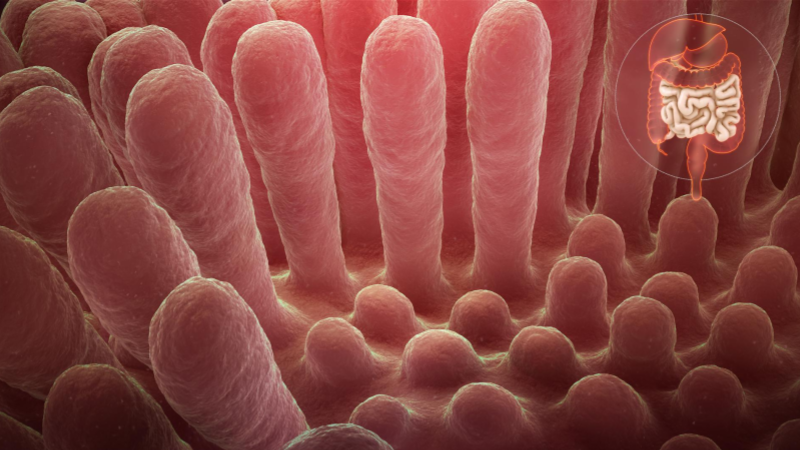
Case Study – Celiac Disease and Digestion
Case study explores the role of villi in the digestive system as student learn how gluten triggers the immune system in people with celiac disease.
-
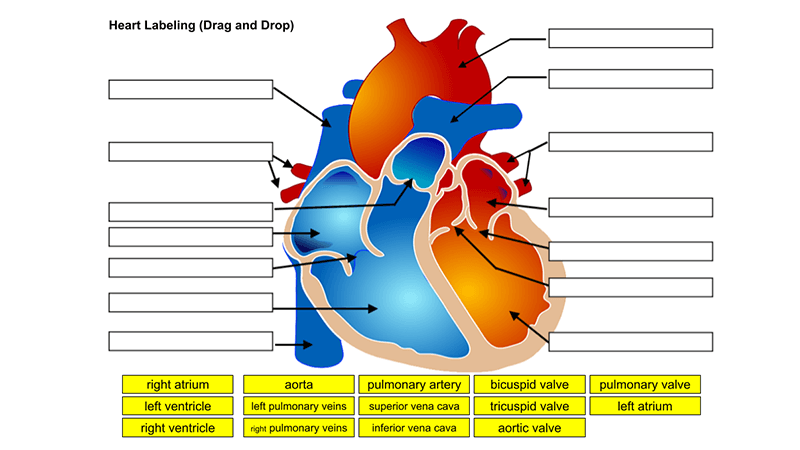
Heart Anatomy for Remote Learners
Students learn about the heart with these activities designed for remote learners. Label the heart with a drag-and-drop activity or a printed one.
-
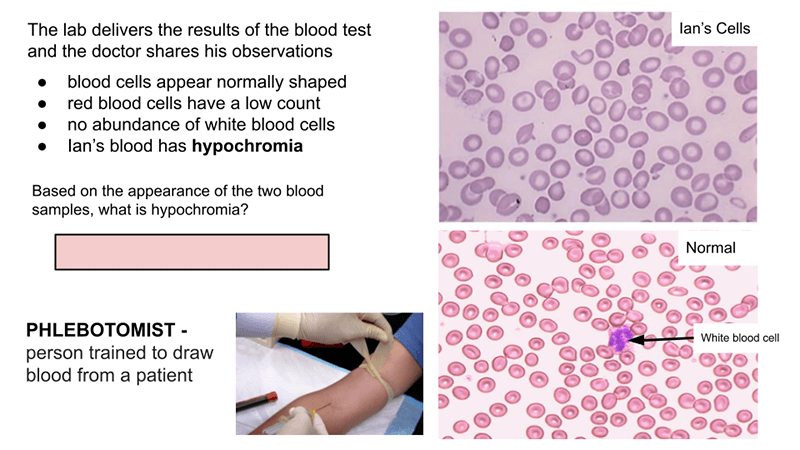
Interactive Slides: Blood
These interactive slides on blood were created for pandemic teaching in 2021. Slides can be posted on Google Classroom or other learning management systems. My class are hybrid, where I have a mix of students watching from home and those in class. Students all have Chromebook and as we go through the slides, I’m explaining…
-
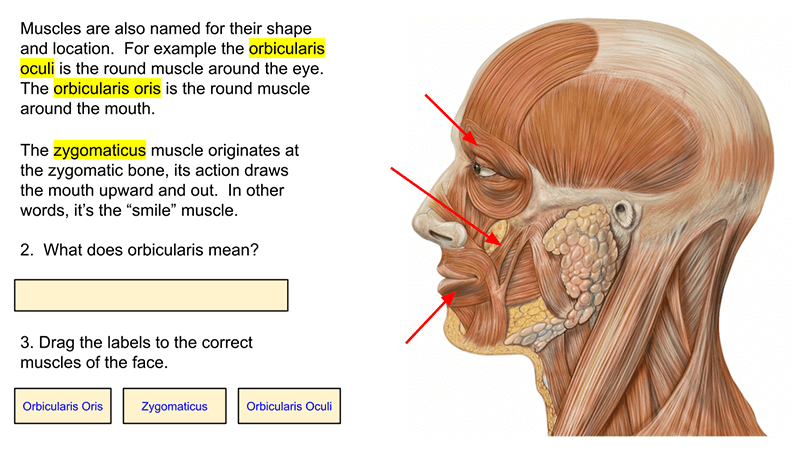
Muscles: Guided Learning
This activity was created for distance learning during the 2020 pandemic as a substitution for traditional dissections and lessons that involve identifying the muscles and their function. Each slide has descriptions and images with a task for students to perform, such as labeling a diagram (based on the description) or answering questions about the muscles.…
-
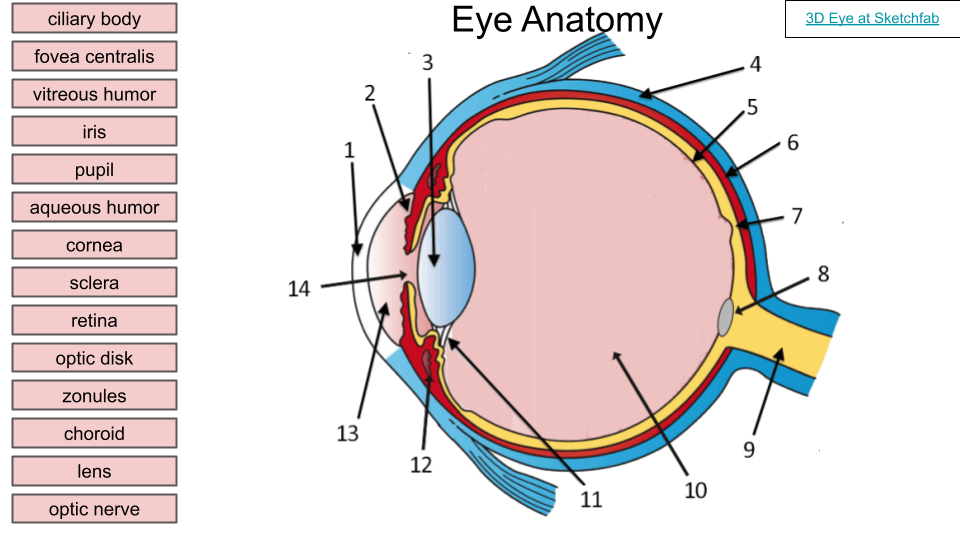
Learn the Anatomy of the Eye
This labeling activity was designed for remote learners so that students can practice identifying the anatomical structures of the eye. The activity was made with Google slides so that students can move the text boxes to the numbers on the labels. The image of the eye shows major structures, like the cornea, lens, fovea centralis,…
-
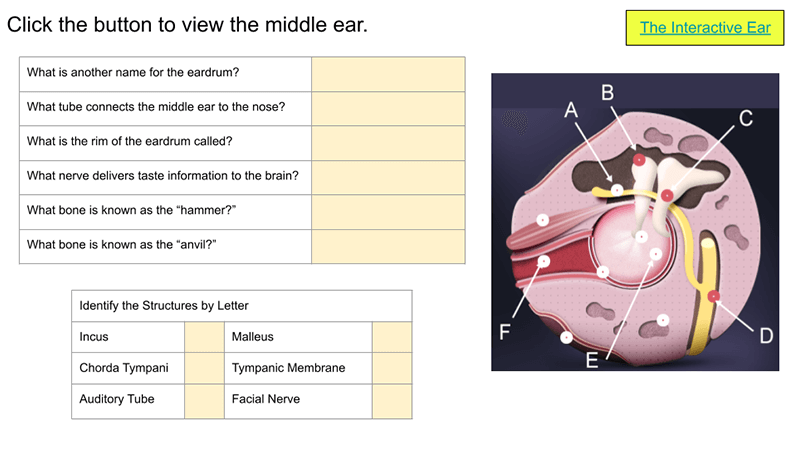
Learn the Anatomy of the Ear
In this activity, students learn about the ear by exploring google slides and going to an interactive site that explores how the ear works. Students use a simulation called “The Interactive Ear” which guides them though the outer, middle, and inner ear while explaining what each structure does. Students click through the virtual ear to…
-
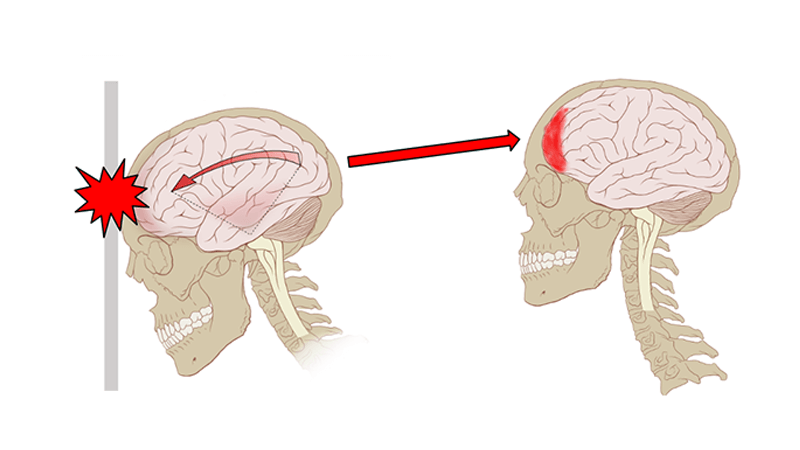
Investigation: Concussions
This investigation is completed by watching videos and analyzing data on concussions. Students first watch a Ted-Ed video on what happens when you have a concussion. The digital handout contains questions from the video. Students then visit neuroanatomy.ca where they view coronal brain slices. Then they label an image and compare a normal brain versus…
-
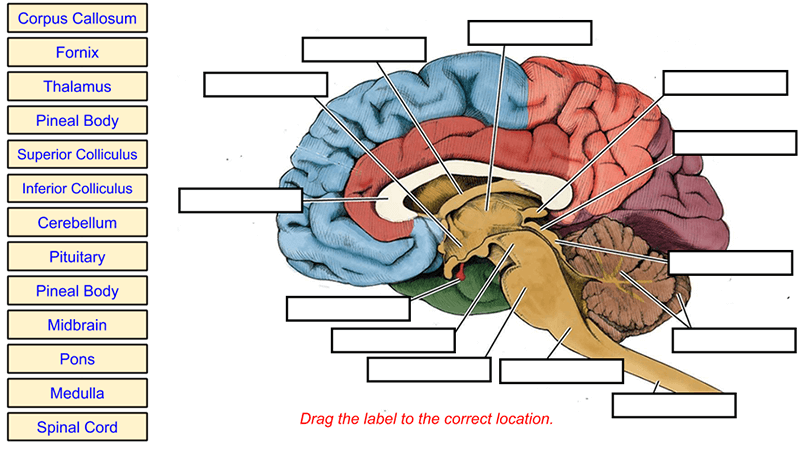
Brain Label (Remote)
This brain labeling activity was created for remote learners as an alternative to the labeling and coloring worksheet we would traditionally do in class. Instead of coloring and labeling on printouts, students use google slides to drag labels to the images or type the answers into text boxes. The slides do not have labeled diagrams…
-
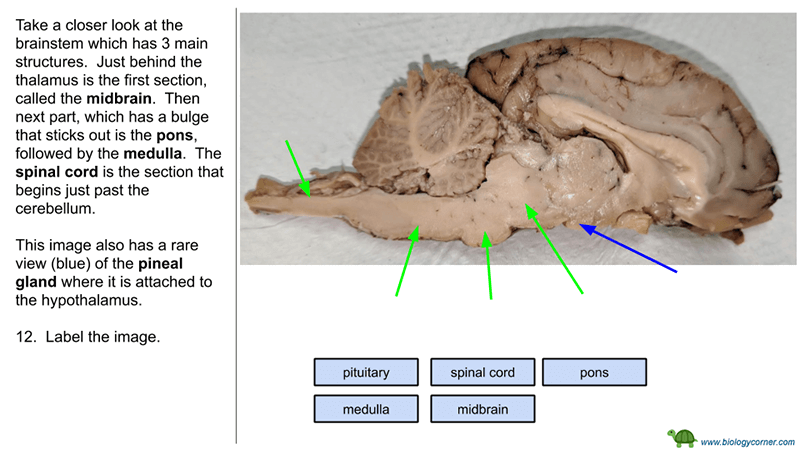
Brain Dissection – Virtual Version
Don’t have time or the resources to do a dissection in the classroom? Try this virtual version to supplement your lessons on the brain! In a traditional anatomy class, students dissect a sheep brain using the Sheep Brain Dissection Guide which walks them through identifying first external features of the brain and then internal features.…